Download for Google Chrome
  Download for Edge
  Download for Firefox
 How to install the accessibility widget in Joomla
Step 1: Install the module
Download the free module from the DockWCAG website - assistforwcag.zip. In the Joomla admin panel, go to the "System" tab in the left menu, then click "Extensions". When you get to the extension installer, at the top of the page, click "Upload Package File" and then drag and drop or select from disk the previously downloaded .zip file with the module. The installation will start automatically. Once installed, go to the "Desktop" tab, and then click "Plugins" In the add-ons tab, look for a module named "AssistForWCAG" and go to configure it.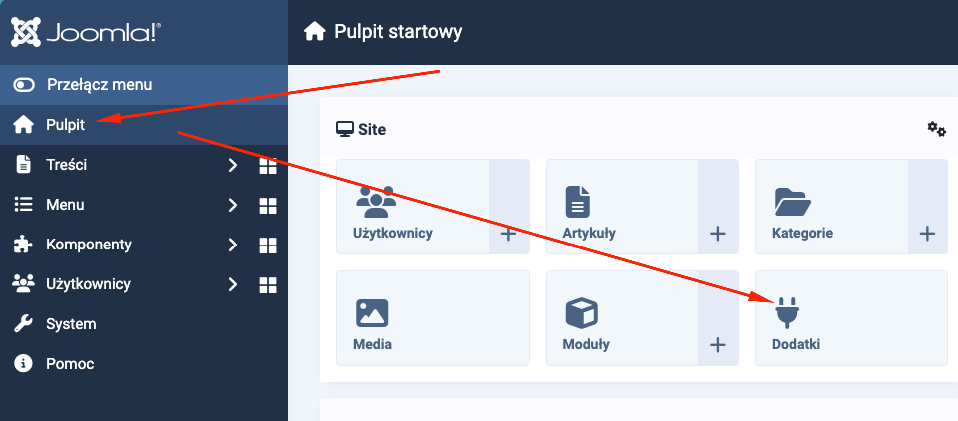
Step 2: Register your site and obtain a token
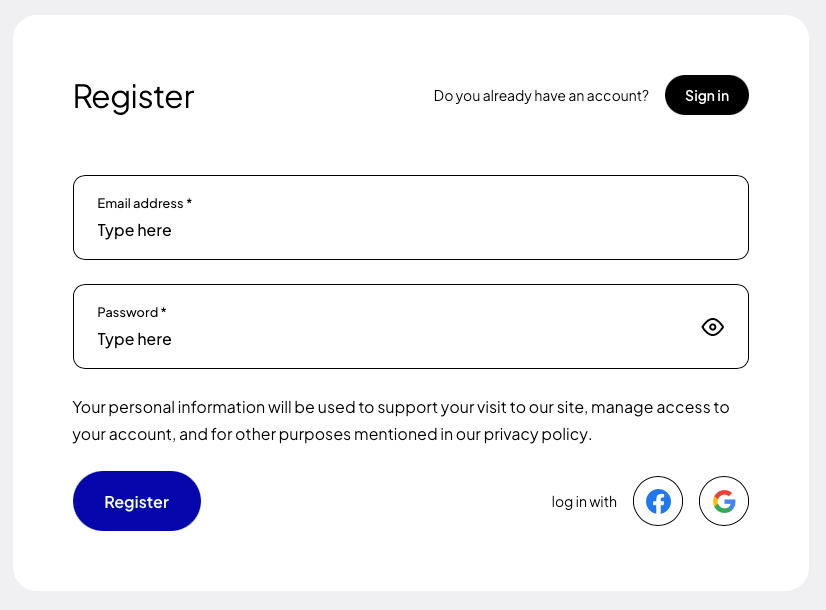
If you are installing the plugin for the first time, register (opens in a new tab) using Google, Facebook, GitHub or your own e-mail address and password.
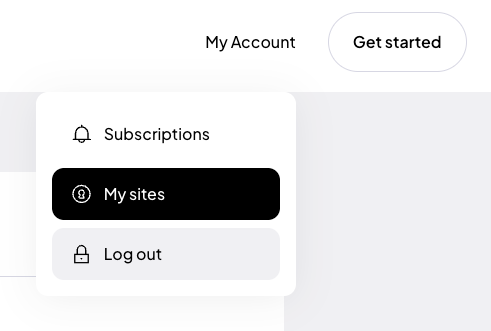
After creating an account, go to the “My sites” tab and click the “Add site” (opens in a new tab) button.
In the form for adding a new site, enter the addresses of the websites where you want to use the token. If your site runs on a domain such as example.com and also www.example.com, add both addresses. Read more about this in the documentation (opens in a new tab).
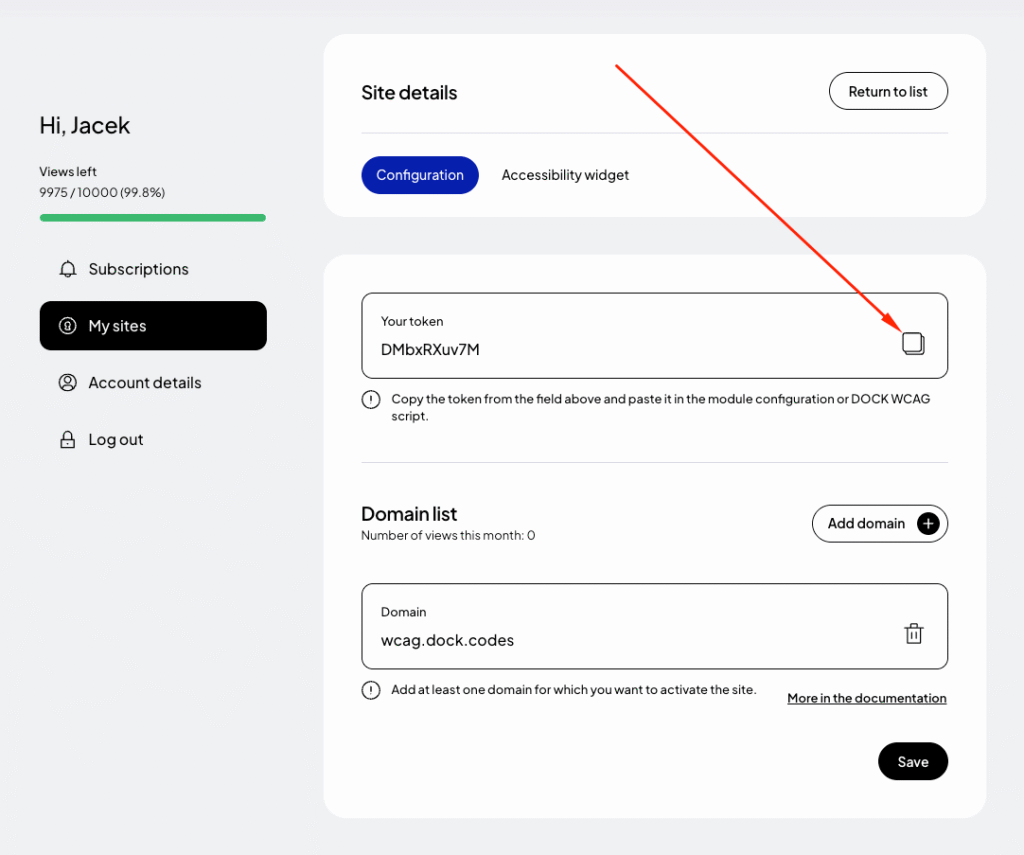
Finally, click “Save” and copy the generated token from the “Your token” field.